People
Everyone who works for you, including the ones who never sign in
TruSecure keeps one list of your whole workforce, with the people who have a login linked to the people who do not. Nobody is ever removed from it, so nothing that points at them ends up pointing at nobody.
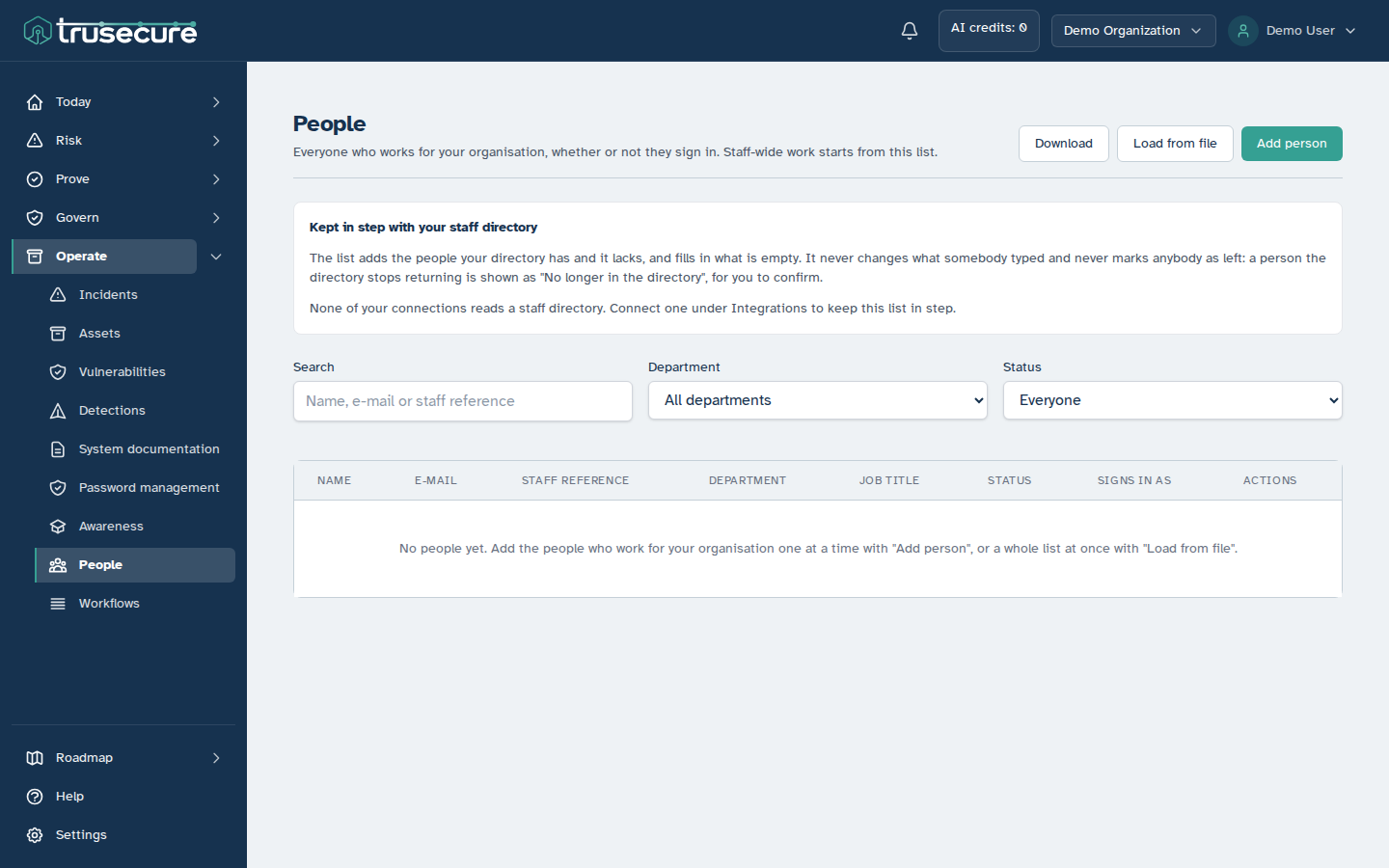
- columns in the file you load
8
Reference, name, e-mail, department, job title, status and the two dates.
- people removed from the list
0
A leaver is marked and stays, so every record still points somewhere.
- on a page by default
25
Your list, by name, with a search on the name, the e-mail and the staff reference.
Your week
The training list has a different nine hundred names than the account list
Your staff directory knows everybody. Your systems know who has an account. Neither knows who left, and when.
- Nobody knows who left in March.
- The training report counts people who no longer work here.
- The same person appears twice with two spellings.
What TruSecure does
A person, and an account, are two different things
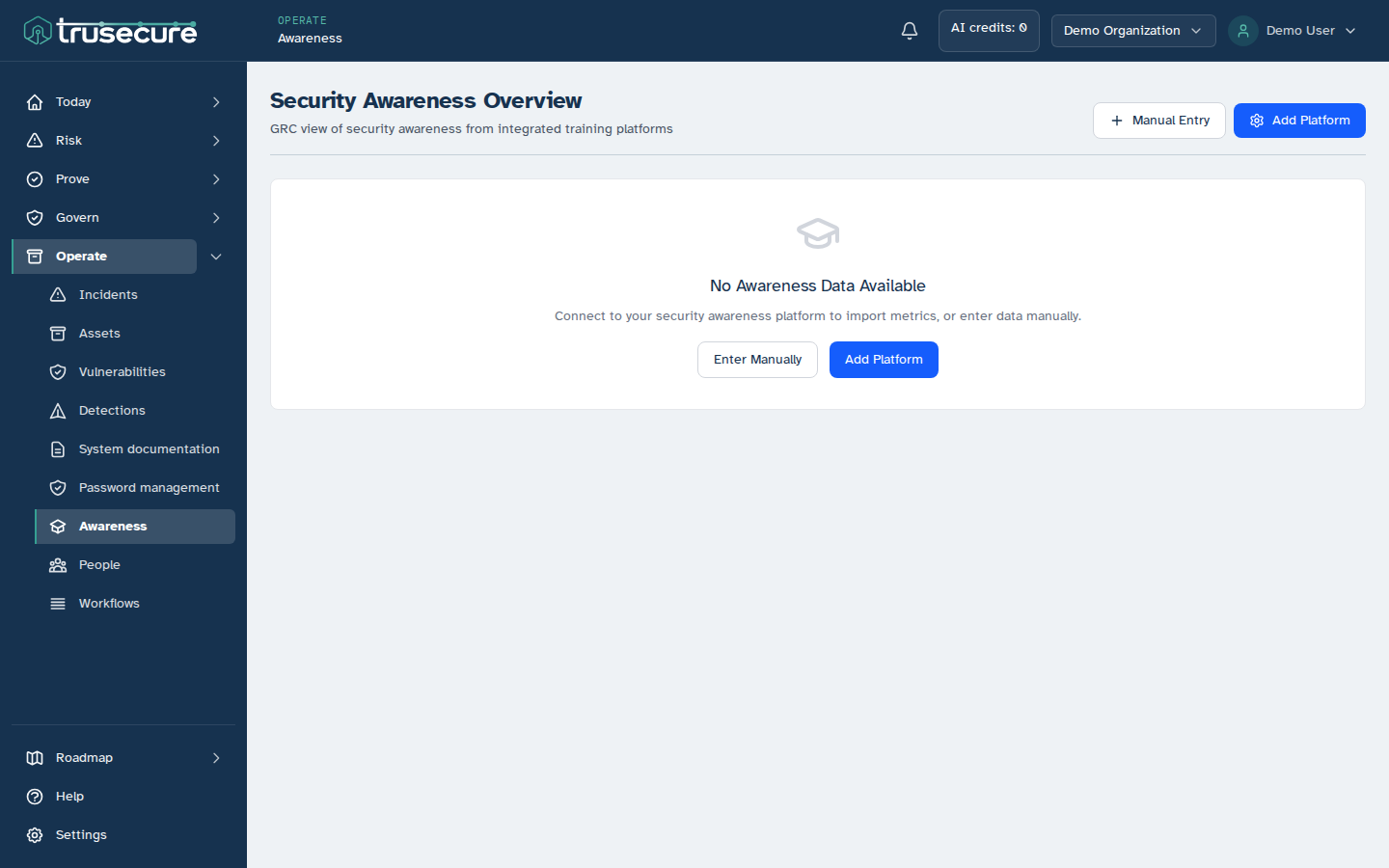
Most organisations have more people than accounts. Until there is one list, the others are recorded nowhere and nothing can be assigned to them.
Adding a person grants nothing
It creates no account and sends nothing. If the person already signs in, the two are linked.
Nobody is deleted
A leaver is marked with their last day, and stays on the list for good.
The list loads from a file
Eight columns, checked before they are applied, and the file you sent is not kept.
It stays in step
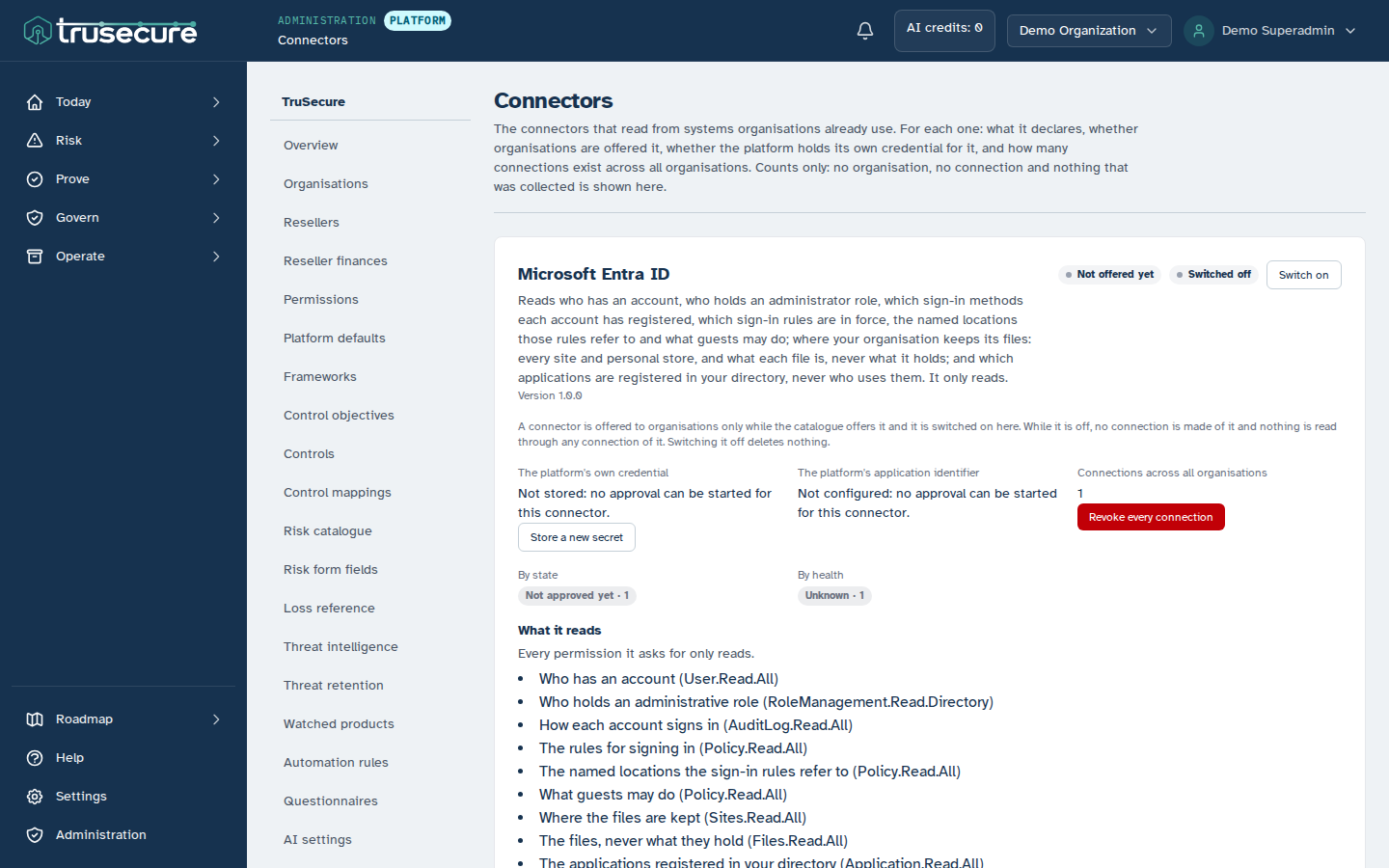
Your staff directory can be connected, and the list is kept in step with what it holds.
What it is for
Three reasons to have it
The list is the starting point for work that concerns everybody, not only the people with a login.
Training
Completion rates, phishing results and who is overdue, counted against the right people.
Access
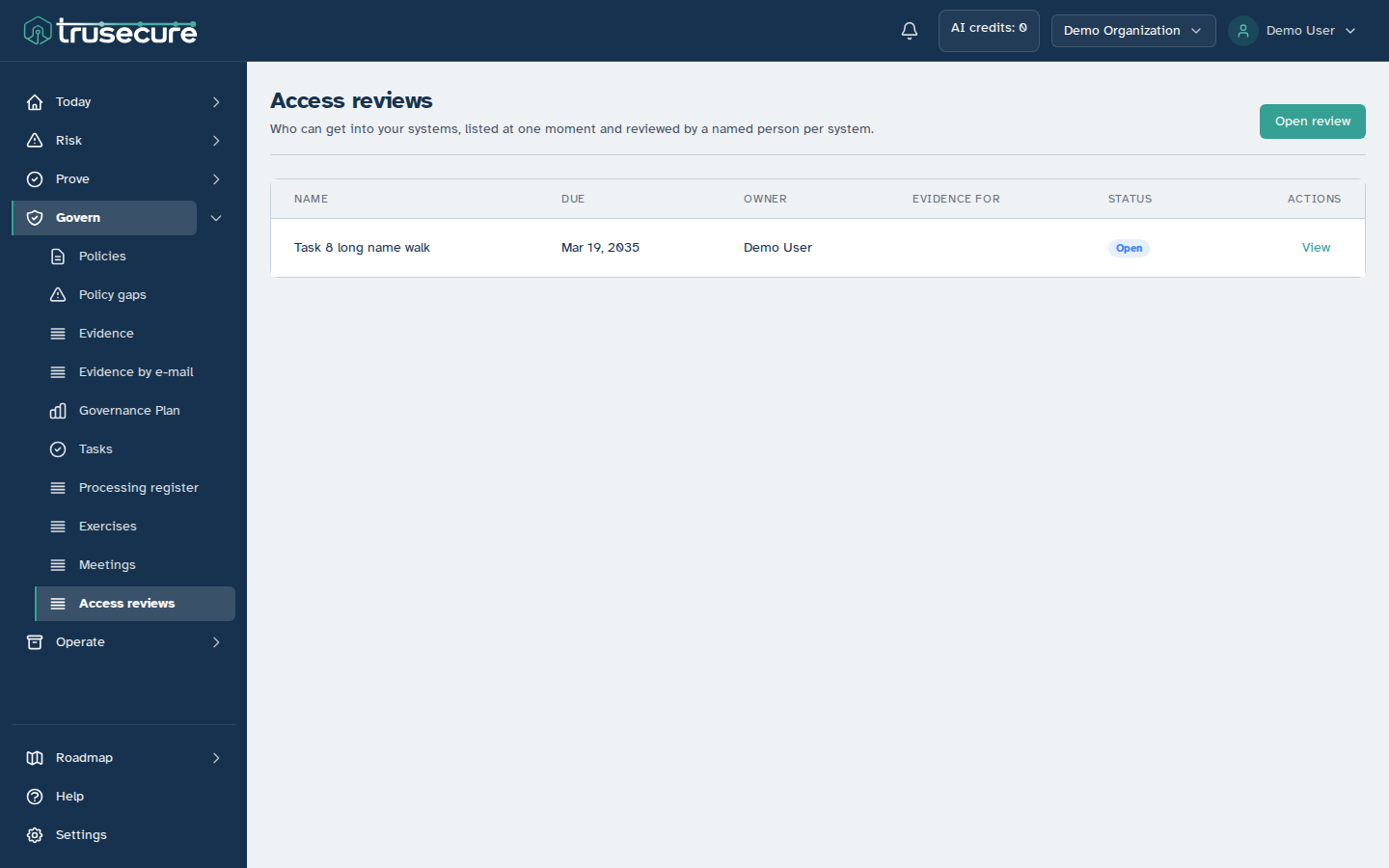
Accounts matched to people, so a leaver with access stands out in the review.
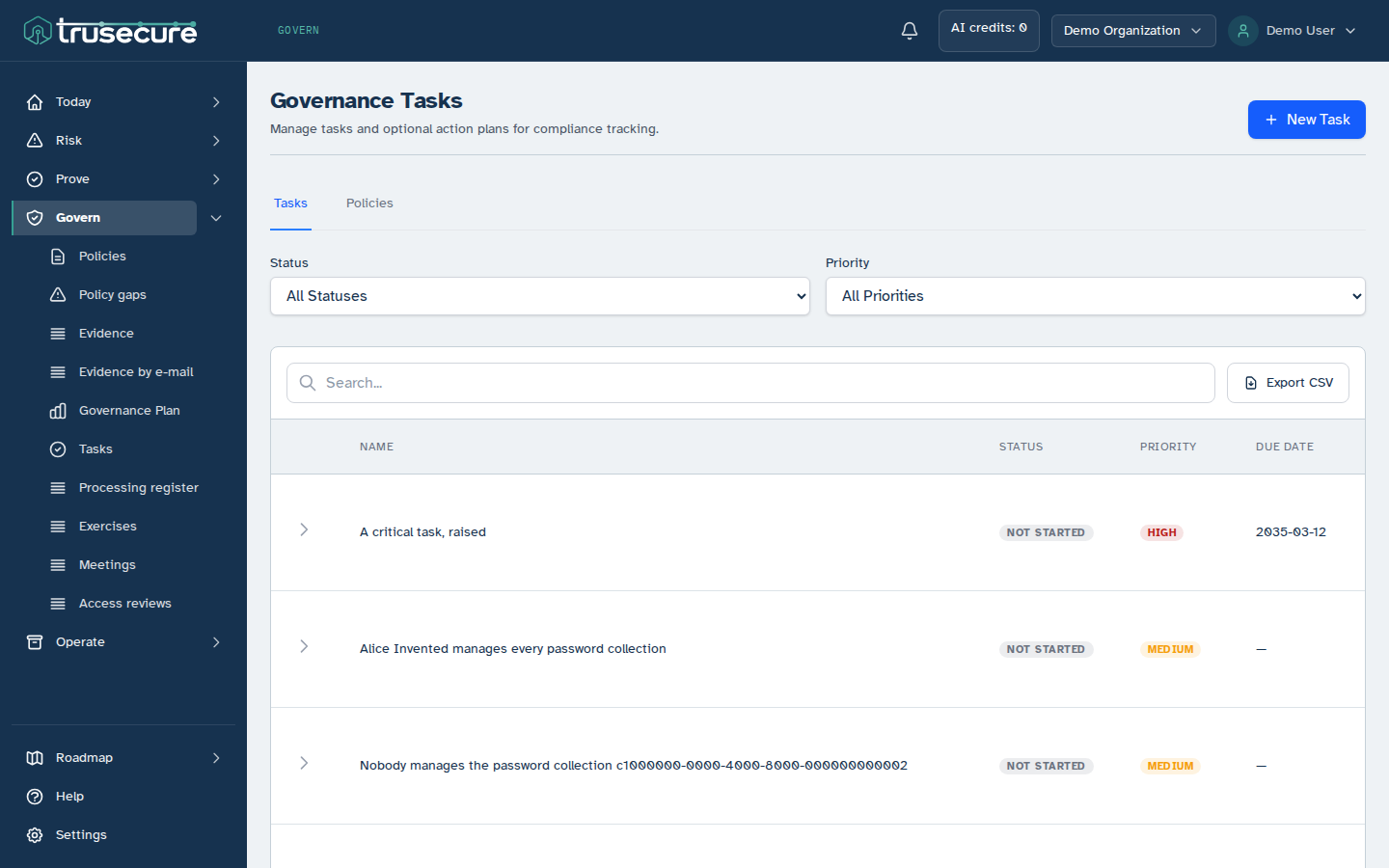
Who owns what
Risks, assets, tasks and incidents all name a person from the same list.
Three things that run on their own
The checks, the sign-in and the leaver
These are the parts of a compliance operation that are always late, because somebody has to remember to do them.
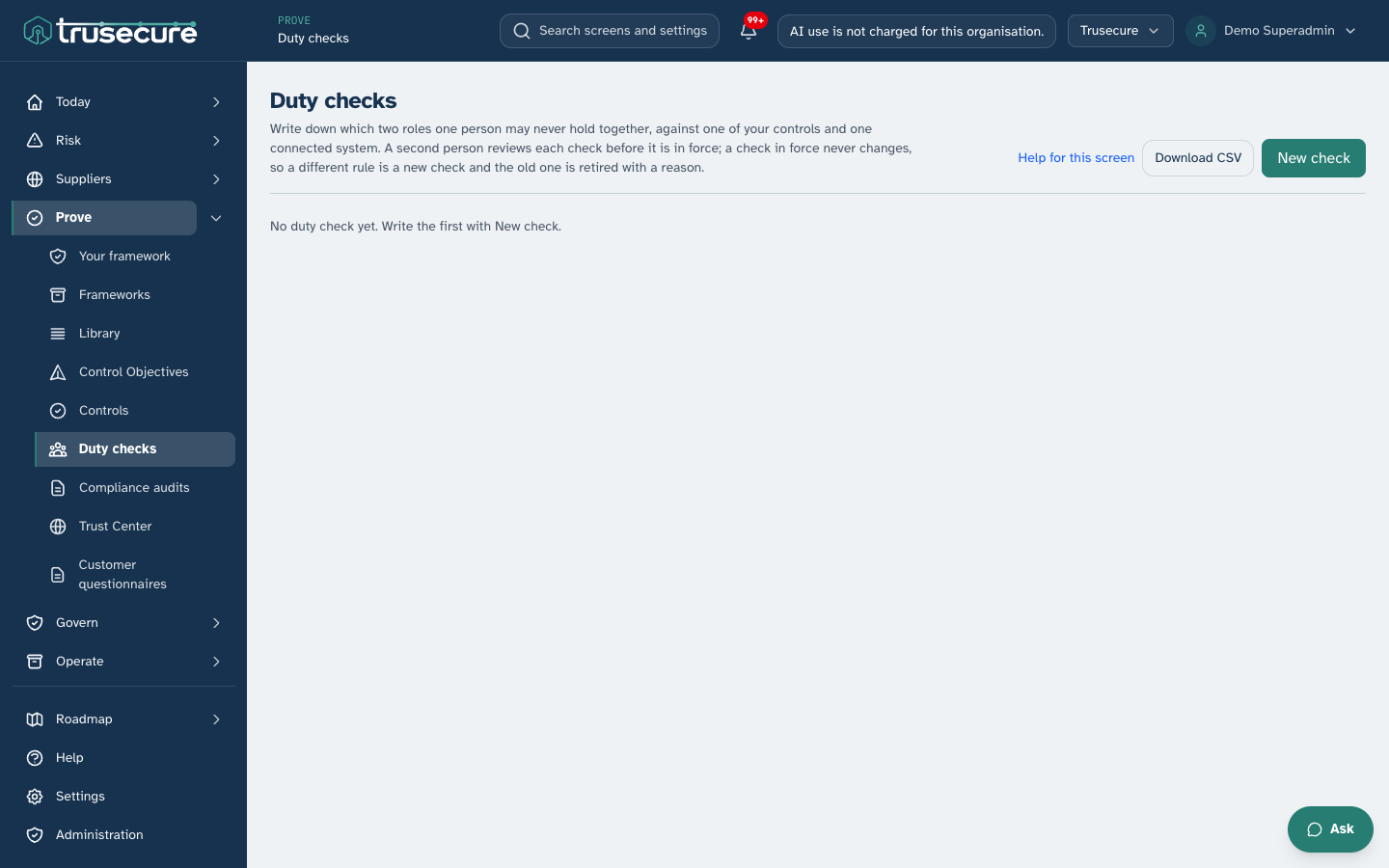
Two roles, one person
You write down which two roles may never be held together. Every check is worked out again every hour against what your systems hold at that moment. A person holding both is a finding with a high severity, and a second person reviews each check before it is in force.
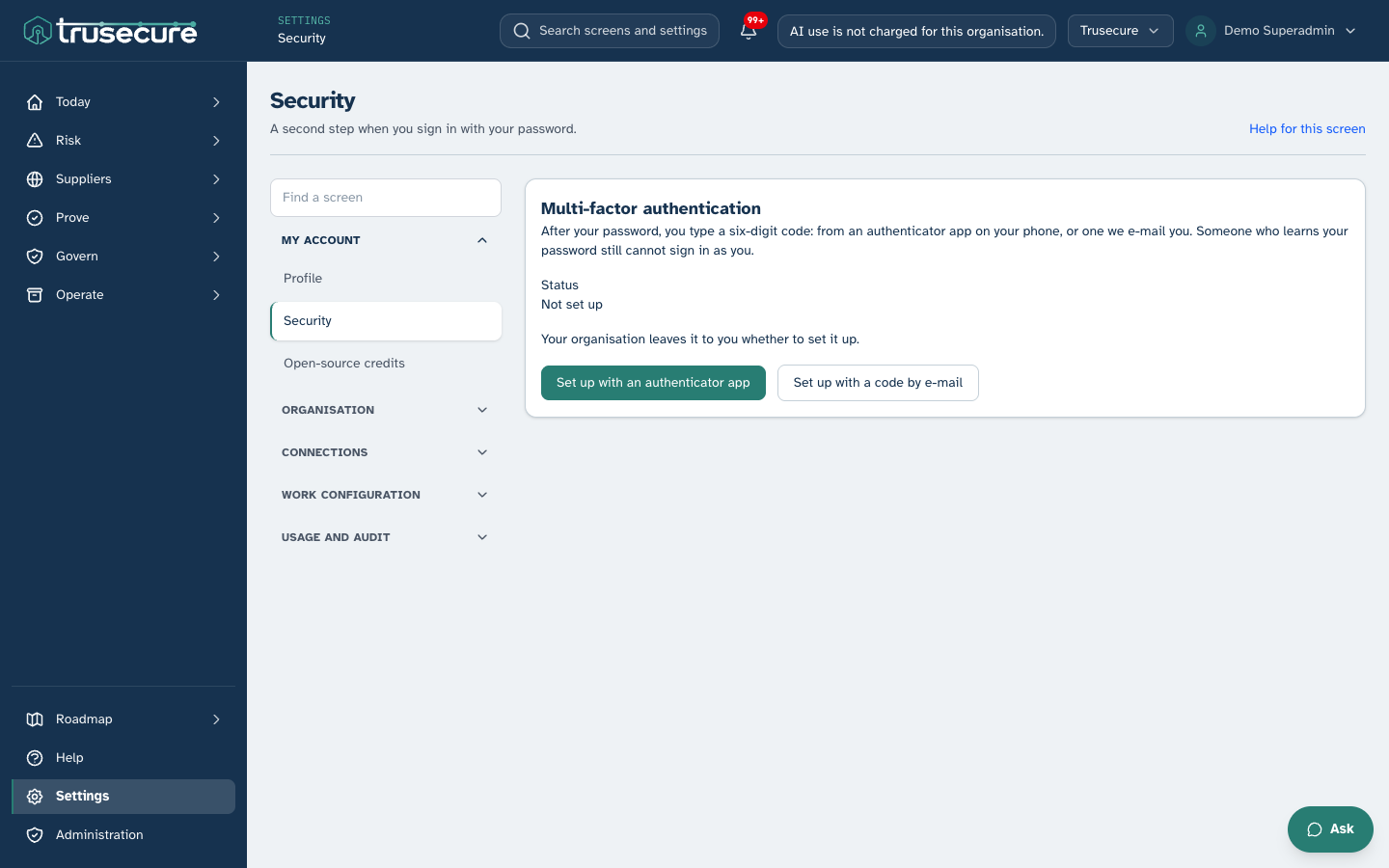
Your own sign-in
Your own provider, over SAML or OpenID Connect, with a second step on the password. The code works once and lasts ten minutes, and five wrong codes end the sign-in. Eight recovery codes are shown once and kept only as a hash.
The leaver rule
Nobody is deleted. A person who has left keeps their place on the list with their last day, so every record that points at them still points somewhere. A leaver is never offered as a reviewer, and naming one is refused.
What you get
The questions you are asked about your people
TruSecure answers them from the list, and each answer opens the record behind it.
See the platform- Who works for us, and in which department?
- Who has left, and on what day?
- Who has an account, and who does not?
- Which training is outstanding, and for whom?
- Who owns the risks, the assets and the open tasks?
- What do we hold about a person who has left?
- Can we take the list away as a file?
- Who is named on a record, and who is only identified?
- Which of your people have no account at all, and should they have one?
The fields
What the list holds
Only a name is needed. Everything else is filled in when it is known, and the list says what follows when it is not.
| Field | What it is | What follows without it |
|---|---|---|
| Name | The person, and the one thing you must give | Nothing. It is all that is needed |
| Where the person can be reached | Nothing can be sent to them | |
| Department | Which part of the business they are in | The filters have one less thing to work with |
| Job title | What they do | Something that tells you who owns what |
| Status | Whether they are here, or have left | A leaver cannot be spotted |
Start
Load your staff list, and see who is missing
Bring the list you already keep from your payroll or directory system. TruSecure loads it, checks it, and shows you who has left without being removed.