Incidents
What went wrong, what you did, and what you learned
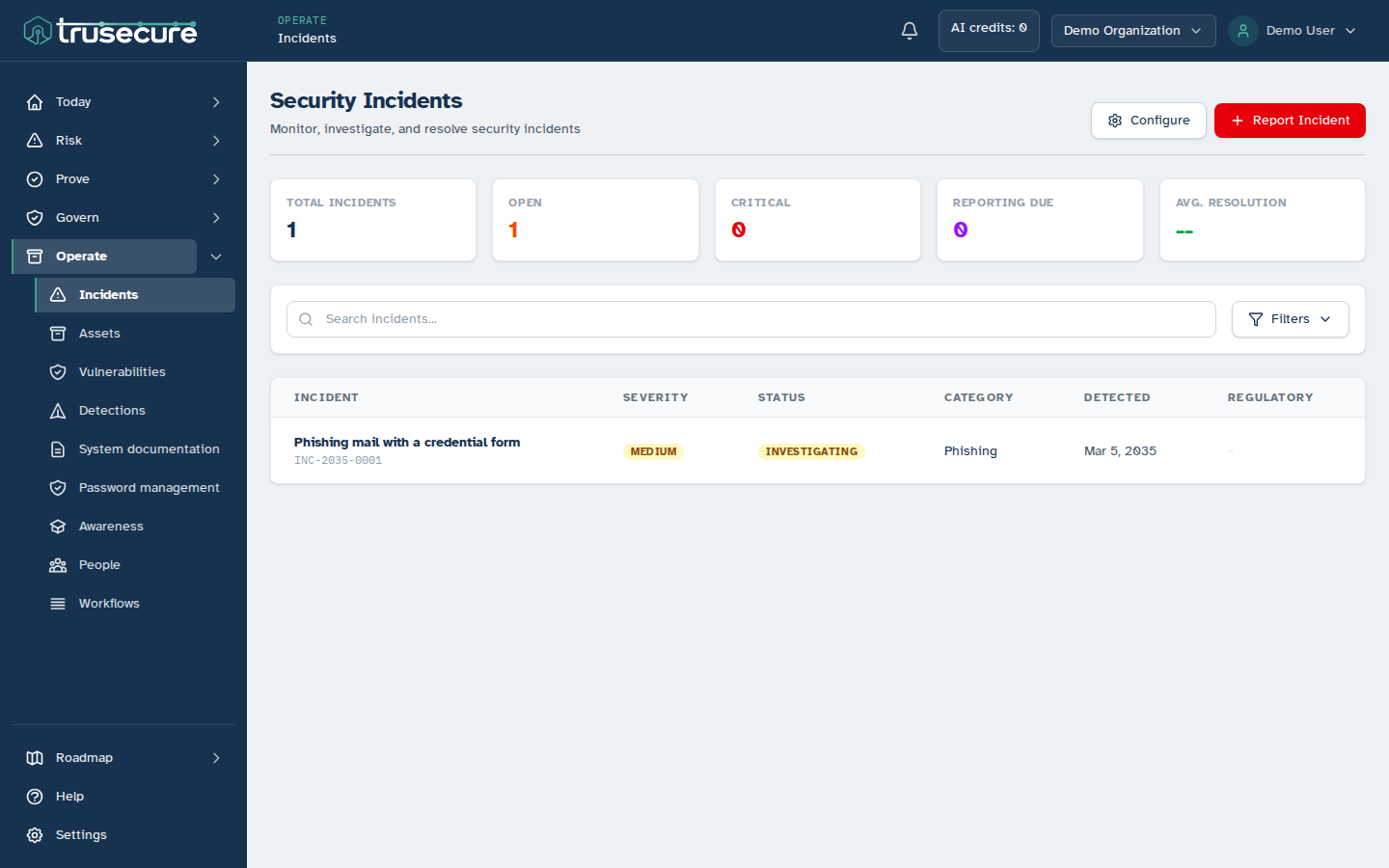
TruSecure keeps every incident in one register, with its timeline, the work that answered it and the countdown to each reporting deadline. Nothing is written up from memory afterwards.
- hours that alerts are grouped over
24
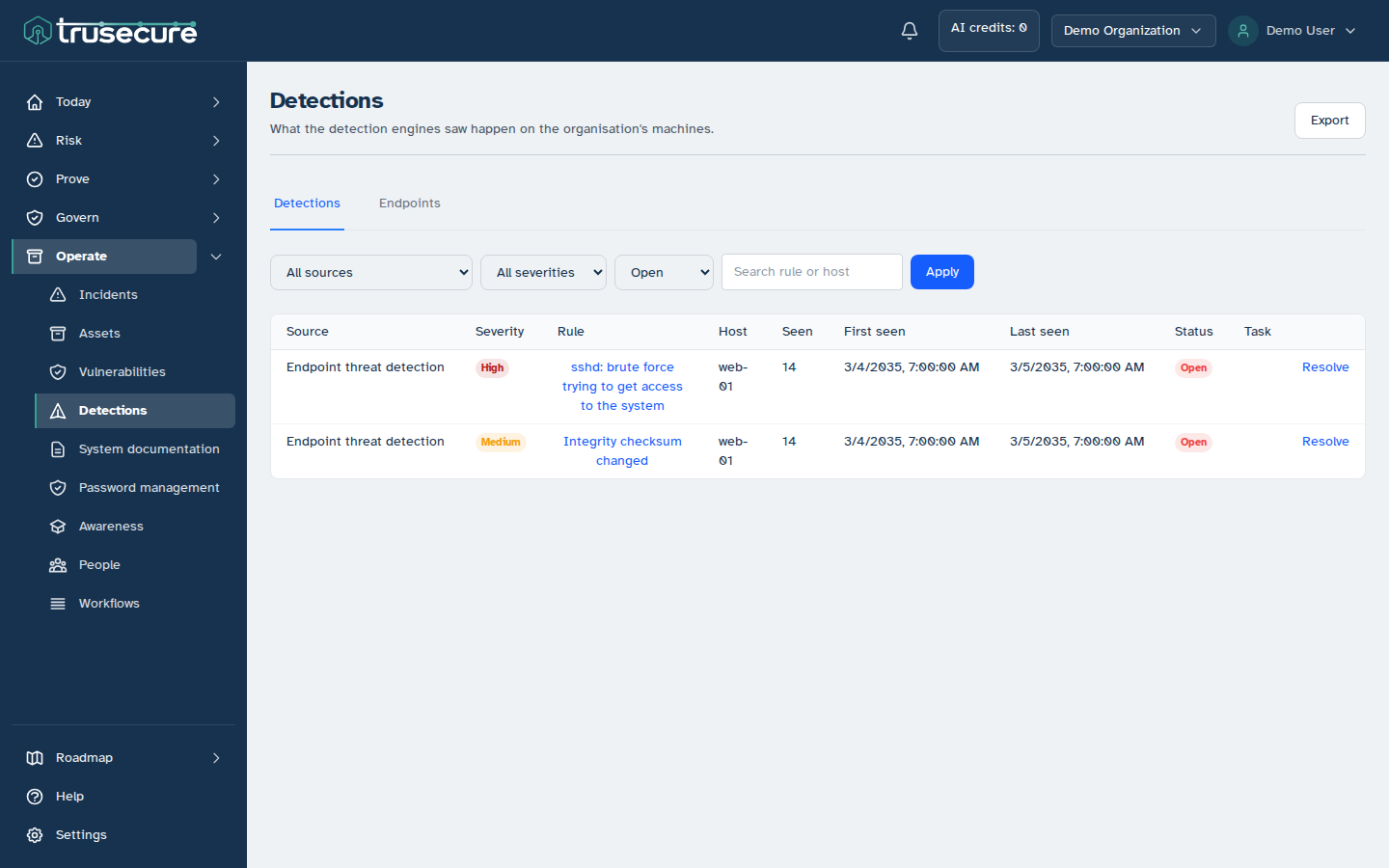
Several detections on one machine become one proposed incident.
- a named commander
1
Every incident names the person in charge of it.
- clock you can see
1
The countdown to every reporting deadline sits on the dashboard.
Your week
The report was written three weeks after the event
You know what happened. The timeline was never kept, the deadline was never on a screen, and the write-up was done from what people remembered.
- Nobody can say when the first sign of it appeared.
- The deadline for reporting was in somebody's head.
- The same question is asked again next year.
What TruSecure does
The record is made while it happens
An incident is not a form you fill in later. It is a record that grows as you work, with the work itself attached.
A timeline you can read
The first thing an investigator reads is what happened when, in order.
The work is on the same record
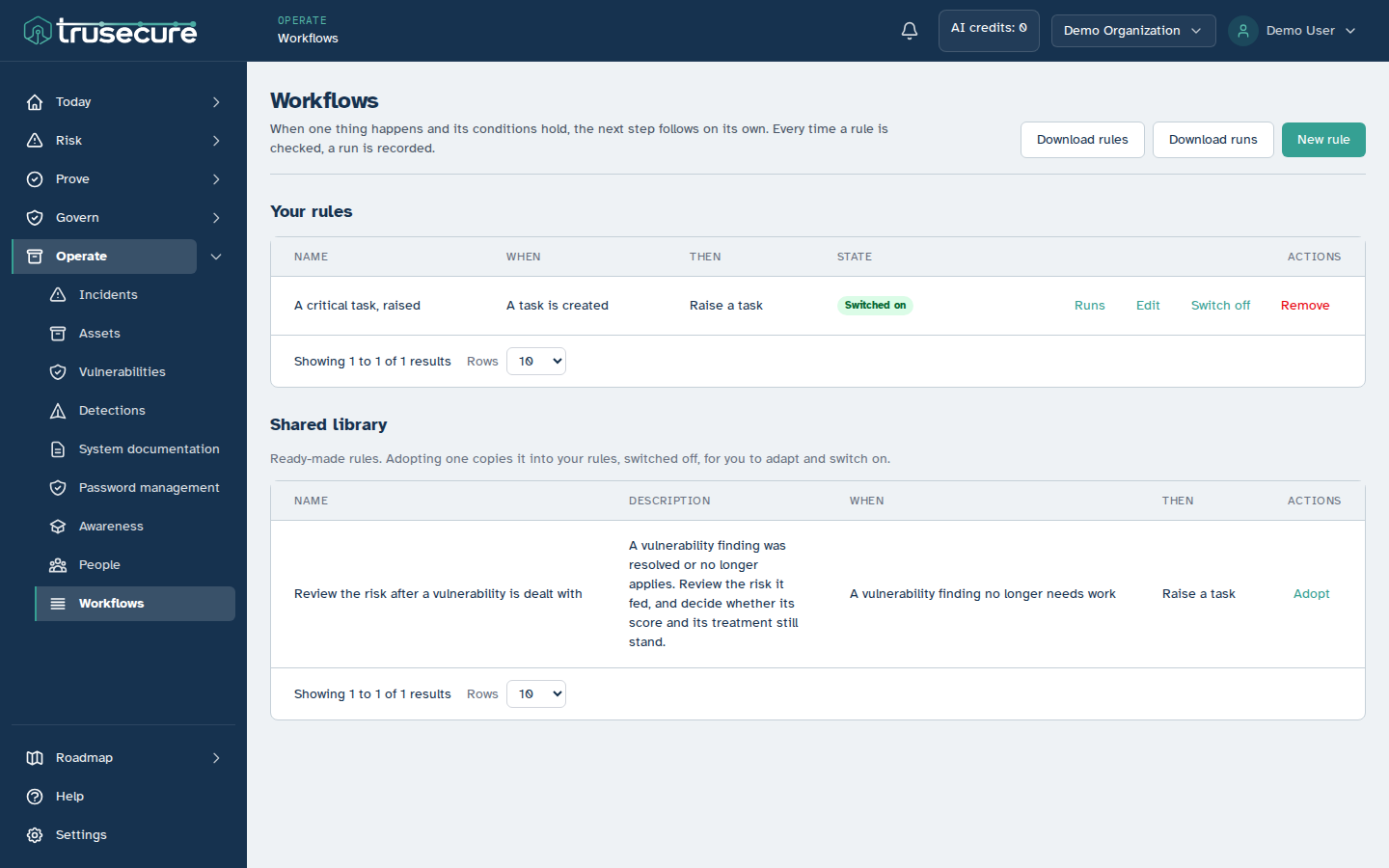
Tasks to contain it, with owners and dates, beside the timeline they belong to.
The clock is on the screen
The countdown to each reporting deadline, and what must be reported to whom.
Alerts become one incident
Several detections on one machine are grouped into a proposal, and a person confirms it.
Before it happens
Three things that are ready in advance
An incident is easier to handle when the steps were written down before the day. The playbook says who does what, and the person in charge follows it.
The playbook
A prepared response, with its steps, its checklist and who to tell.
The category and severity
Every incident is filed with both, so nothing is recorded as malware by accident.
The commander
One named person from your own people, on every incident you open.
What you get
The questions you are asked after an incident
TruSecure answers them from the record of the incident, and each answer opens the entry behind it.
See the platform- When did we first see it, and when did we know?
- Who was in charge, and who did what?
- Which systems and which data did it touch?
- What had to be reported, to whom, and by when?
- Which rule should have caught it, and did it?
- Which tasks came out of it, and are they done?
- Did we run the procedure we wrote down?
- What did we change afterwards, and did the change hold?
- Which of our rules should have caught this one?
- Who was told, and who was not?
The record
What an incident holds
Six parts, kept together so the write-up at the end is a matter of reading, not of remembering.
| Part | What it holds |
|---|---|
| Timeline | What happened when, in order |
| Tasks | What was done to contain it, with owners and dates |
| Artifacts | What was gathered, including forensic samples |
| Affected assets | The machines, applications and data it touched |
| The case | The case in your own case tool, kept in step with this one |
| Reportability | What must be reported, to whom, and by when |
Start
Write the procedure before you need it
Tell TruSecure what kinds of incident you have had, and what you had to do about them. It turns that into playbooks, and puts the clock on the dashboard.