Security engines
Network vulnerability scanning
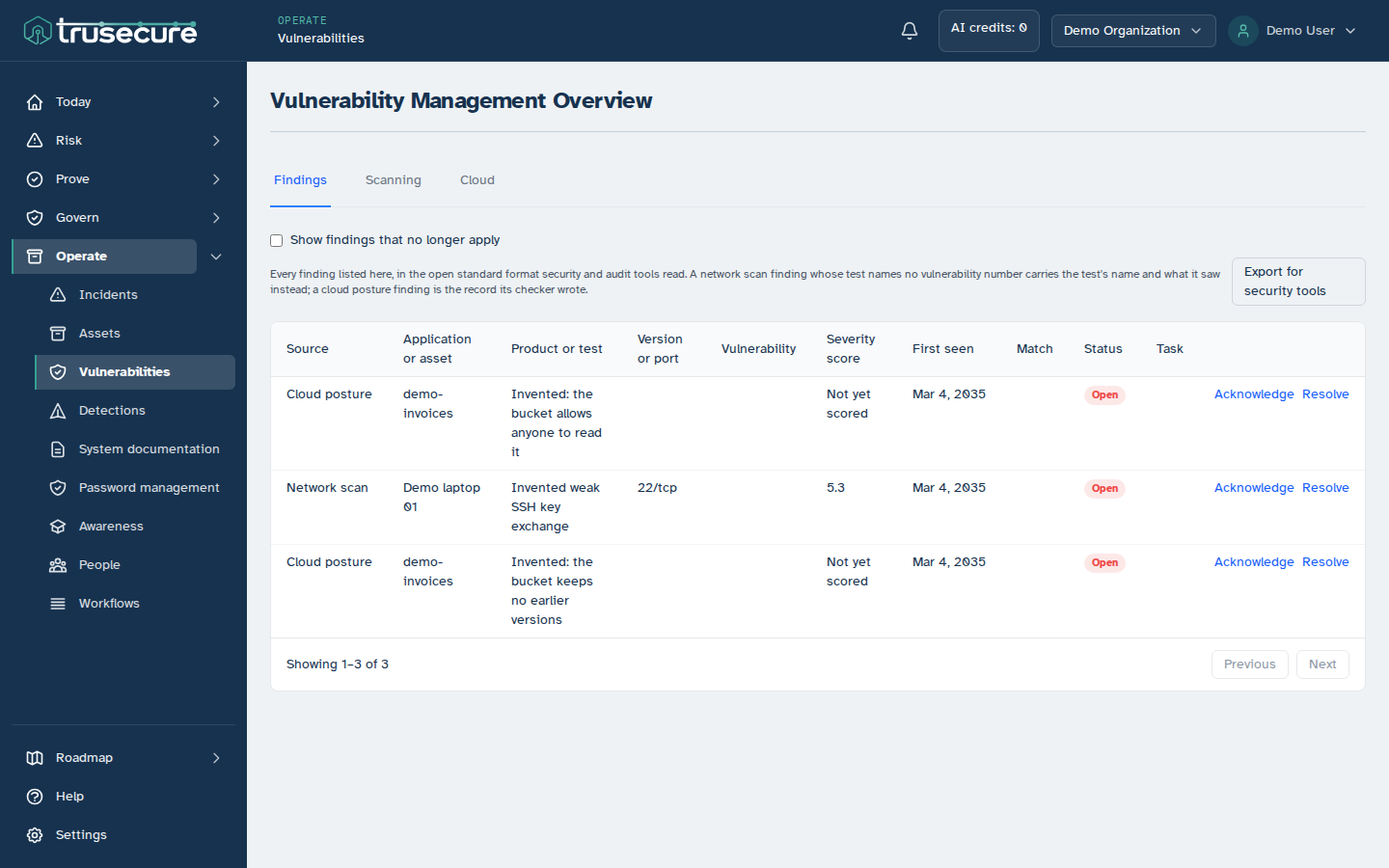
The scan scope you approve goes into your own scanner, and every weakness it finds comes back as a finding on your assets.
- approved scope
1
One target, one weekly schedule and one scan task, made once.
- data feeds
8
Each feed's version is kept on your row, with the time it was read.
- severity scale
10.0
Every finding carries the score the scanner gave it.
What TruSecure does
Your scanner, given the scope you approved
Your organisation runs the scanner inside its own network. Only from there can it see your own machines. TruSecure writes the approved scope into it, starts the scan when a person asks, and reads the results back onto your findings.
The run
What a scan of your scope does
A scan starts on your schedule, or when a person presses Sync now, and its results come back in four steps.
| Step | What happens |
|---|---|
| Prepares the tool | It signs in over the scanner's own encrypted connection and trusts it only under the certificate authority you entered. A certificate made under another one is refused. |
| Reads | It reads the scan configurations, port lists and data feeds the scanner holds, and keeps each feed's version on your row with the time it was read. |
| Writes back | It makes the scanner hold exactly the approved scope: one target with the approved addresses, one weekly schedule and one scan task. With no approval holding, it stops the task and removes the schedule. |
| Records the run | Every finished scan is read into your findings, one per machine, port and test. A finding the newest scan no longer shows is marked as no longer applying, never deleted. The run goes to the audit trail with its counts. |
Questions
Questions we are asked about scanning your network
- What gets scanned?
- Only the addresses a person approved on the Scanning tab. Nothing is scanned outside that scope, and with no approval holding the scan task is stopped and the schedule removed.
- What if the scanner refuses the token?
- The run tells you what went wrong in one sentence, and nothing you had found is taken back. A scan that has not finished changes nothing.
- How is a finding scored?
- By the scanner itself. The score it gave the finding is kept as it stands, on a scale that runs to ten.
- How do I know the scan lists are current?
- The version of each data feed is kept on your row, with the time it was read. The scanner loads the newest feeds before each scan.
Open source
This capability runs Greenbone OpenVAS, an open-source project released under the AGPL-3.0 licence.
Start
See what your own scanner already found
Tell us what you would let a scanner reach inside your network. We show you the scope you would approve and the findings it would bring back.