Security engines
Cloud posture
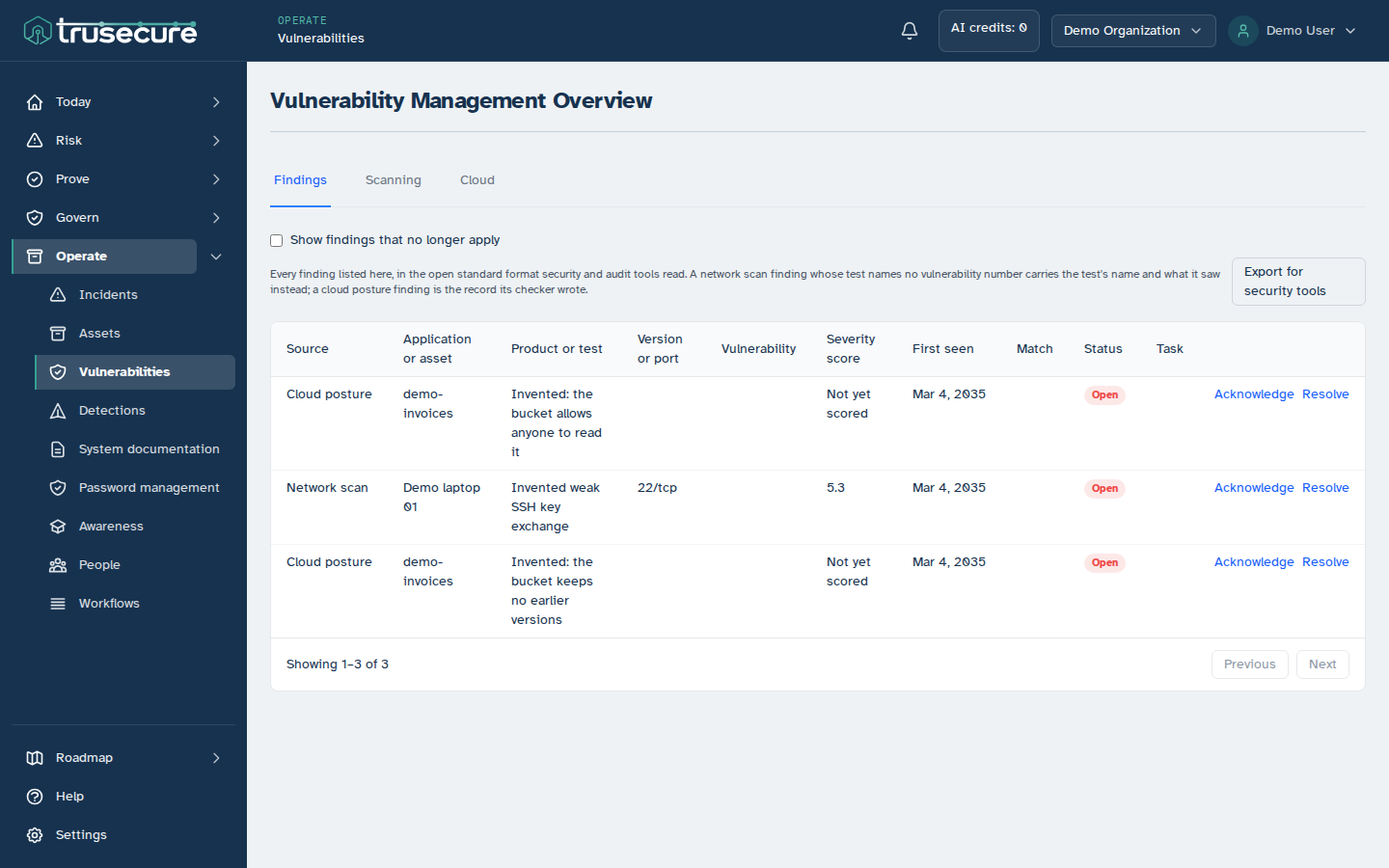
Your own checker reads your cloud accounts with read-only access and finds the unsafe settings in them. Each failed check becomes a finding, a task and, where it is critical, a risk.
- scan per account each day
1
The checker runs it on its own daily schedule.
- results kept as findings
2
Failed checks always, manual checks by your choice.
- severity levels on a finding
5
From the check's own rating, in order.
What TruSecure does
Your cloud accounts, read with read-only access
The engine gives your checker the accounts you approve, each with read-only access and a daily schedule. A finished scan comes back as findings, and every resource it names enters your asset register as a cloud resource.
The run
What a scan of your accounts does
A sync reads the scans your checker finished, the daily one and any started by hand.
| Step | What happens |
|---|---|
| Prepares the tool | It asks the checker for its version, and then for one of your cloud accounts, which reads nothing of a cloud. It writes no choice of checks or frameworks into the checker, because the checker's interface takes none. |
| Reads | Each scan of your accounts is recorded as a run: the daily one, or one a person starts with Scan now. A finished scan is read for its failed checks, its manual checks, the resources it names and its framework numbers. |
| Writes back | It gives the checker your cloud accounts, each with its read-only access and its daily schedule, and deletes one you took away. Nothing else is written into the checker. |
| Records the run | Each run keeps the counts of what passed, what failed, what needs checking and how many resources it named, with the framework numbers the checker itself reported. A failed check at or above your severity raises a task, and a critical one raises a risk. |
Questions
Questions we are asked about cloud accounts
- Can the checker change anything in my cloud?
- No. Every account is given read-only access, and the checker only reads. A passed check is never kept and a failed one is never left out.
- What if your checker stops answering?
- The run tells you what went wrong in one sentence, and the checks you had stay as they were. A scan still being made is left as it is and read again later.
- What happens to my cloud resources?
- Every resource the scan names enters your asset register as a cloud resource, so it sits with the rest of what you run. An account you take away is deleted from the checker.
- Which checks count as findings?
- Failed checks always. Manual checks are kept by your choice, and a manual check taken out is marked as no longer reported at the next read.
Open source
This capability runs Prowler, an open-source project released under the Apache-2.0 licence.
Start
See what your cloud accounts give away
Tell us which of your cloud accounts you would check. We show you what a scan reads, what it keeps and what it leaves out.