Security engines
Asset register
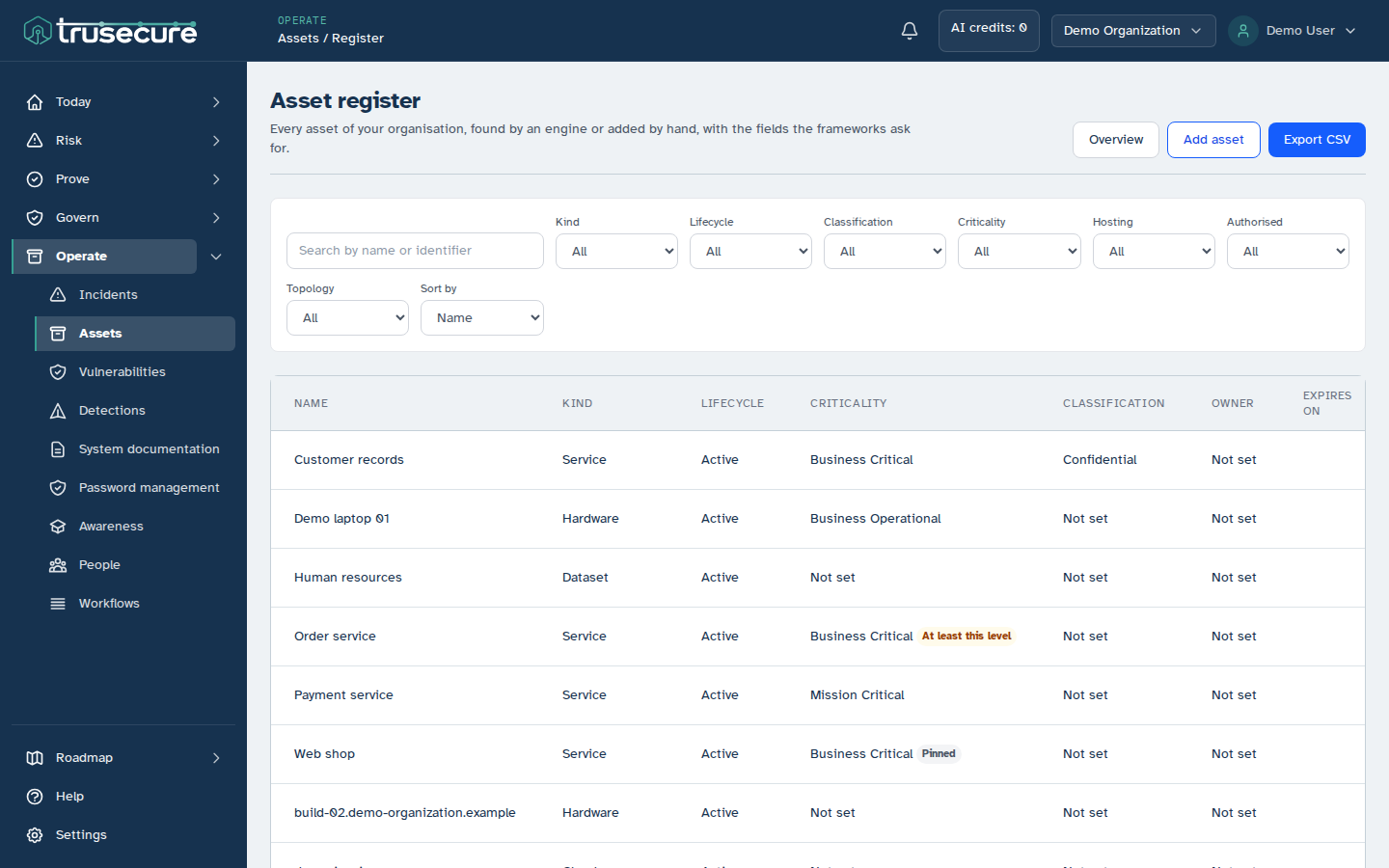
One list of what your organisation runs. Every asset carries the five fields the frameworks ask for, and the tool you already keep them in is prepared to hold them.
- asset kinds
8
Machine, software, cloud resource, dataset, network device, virtual machine, container image, service.
- fields on every asset
5
Data classification, business criticality, authorised, hosting type and owner.
- instance per organisation
1
Your own, with its own data and its own credentials.
What TruSecure does
Your assets, read in, and written back
The engine talks to your own asset tool over its official interface. It prepares the tool to hold what the frameworks ask for, reads what is already there into your register, and writes back what a person has changed here.
The run
What the run does to your assets
The run happens on its schedule, or when a person presses Sync now. Four steps, in this order, and each one is on the record.
| Step | What happens |
|---|---|
| Prepares the tool | It creates only what is missing: a category for each kind of asset, the status labels Planned and End of life, and the five fields attached to every asset model. A name the taxonomy has changed is renamed in the tool in place, never created twice. |
| Reads the assets | Each asset lands in your register with its kind, its lifecycle, the five fields and the tool's own details. An asset the tool no longer returns is marked no longer seen, never deleted. |
| Writes back | What a person changed here since the last run goes back to the tool: the five fields and the lifecycle of every edited asset, and every asset a person added in your register. |
| Records the run | The run is written to the audit trail with its counts, and the figures on the assets overview follow. |
Questions
Questions we are asked about the asset register
- Does this run on its own?
- No. Every engine starts switched off, and a superadmin turns it on for the platform. The switch is written to the audit trail with who did it and the state before and after.
- What if the asset tool is down?
- The run says what went wrong in one sentence, the integration reads Error, and nothing in your register changes. A failed run changes nothing.
- Where do my assets live?
- In your organisation's own rows, and in the tool you chose. What the engine reads stays in TruSecure, so it survives the tool being replaced.
- What does it put into my tool?
- Only what is missing: a category for each kind of asset, two status labels, and the five fields on every asset model. Nothing else of yours is touched.
Open source
This capability runs Snipe-IT, an open-source project released under the AGPL-3.0 licence.
Start
See it against your own records
Tell us where your assets live today. We read the same fields from your own tool and show you what a control could be answered from.