Documentation
The write-up an auditor asks for, written and signed
TruSecure writes up what it reads from your connected systems, so somebody can follow it. Your own processes become written steps with their diagrams. A named person signs each version.
- people sign every version
2
A reviewer and an approver, and the approval is what makes it count.
- configuration streams it reads
5
The settings of your identity system, read through your own connection.
- secrets written into a document
0
No password, key, token, e-mail address or person's name goes in.
Your week
The document that lives on one laptop
Somebody wrote down how the system is set up, two years ago. It has been on a shared drive ever since. Nobody can tell whether it is still true.
- The screenshots show a screen that no longer exists.
- It names the people who left, and nobody dares to send it.
- There is a password in an example, and everybody knows it.
What TruSecure does
Written from what is there, and signed by a person
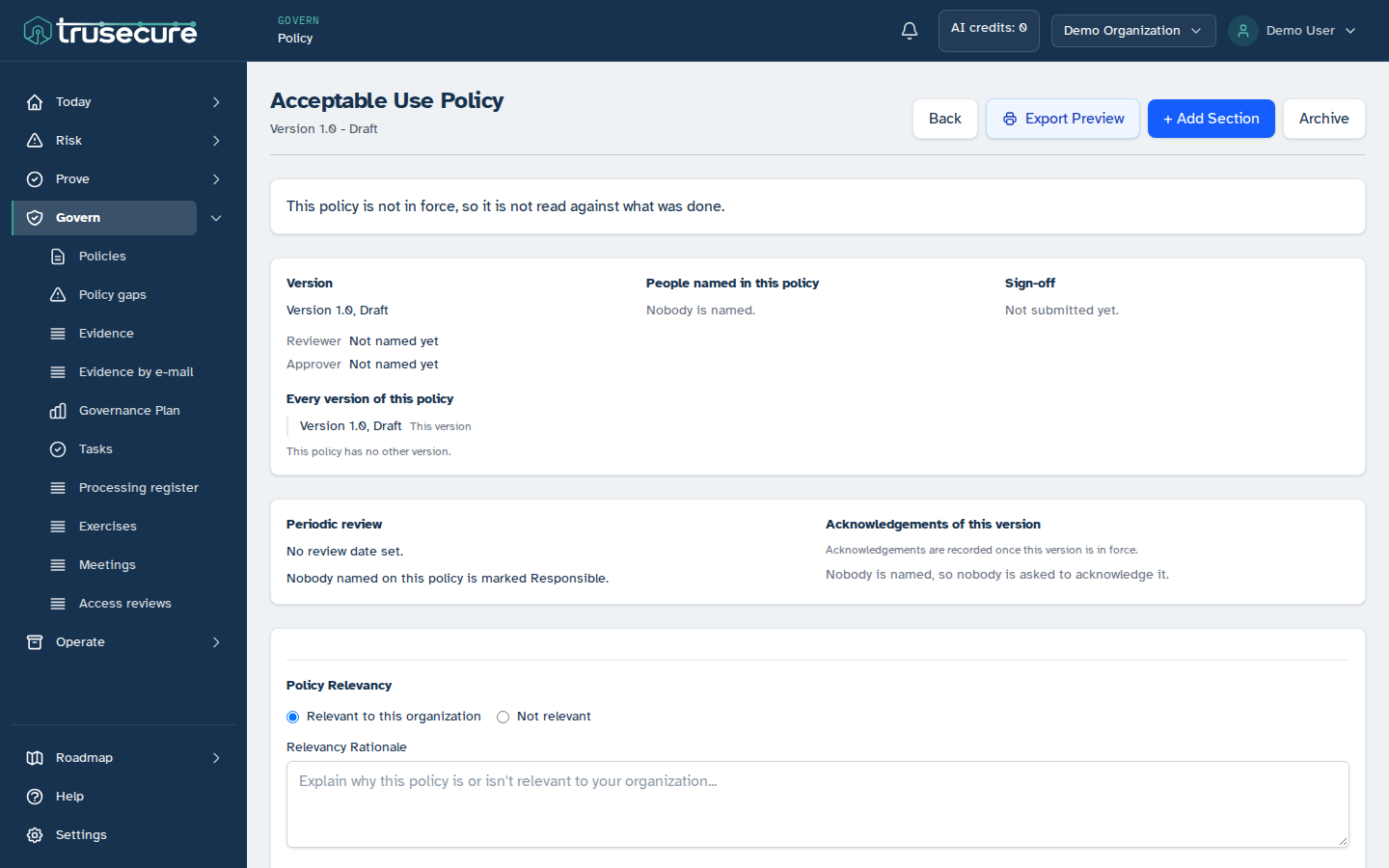
The document is a draft until somebody with a name on it approves it. A draft is never evidence.
One document per system
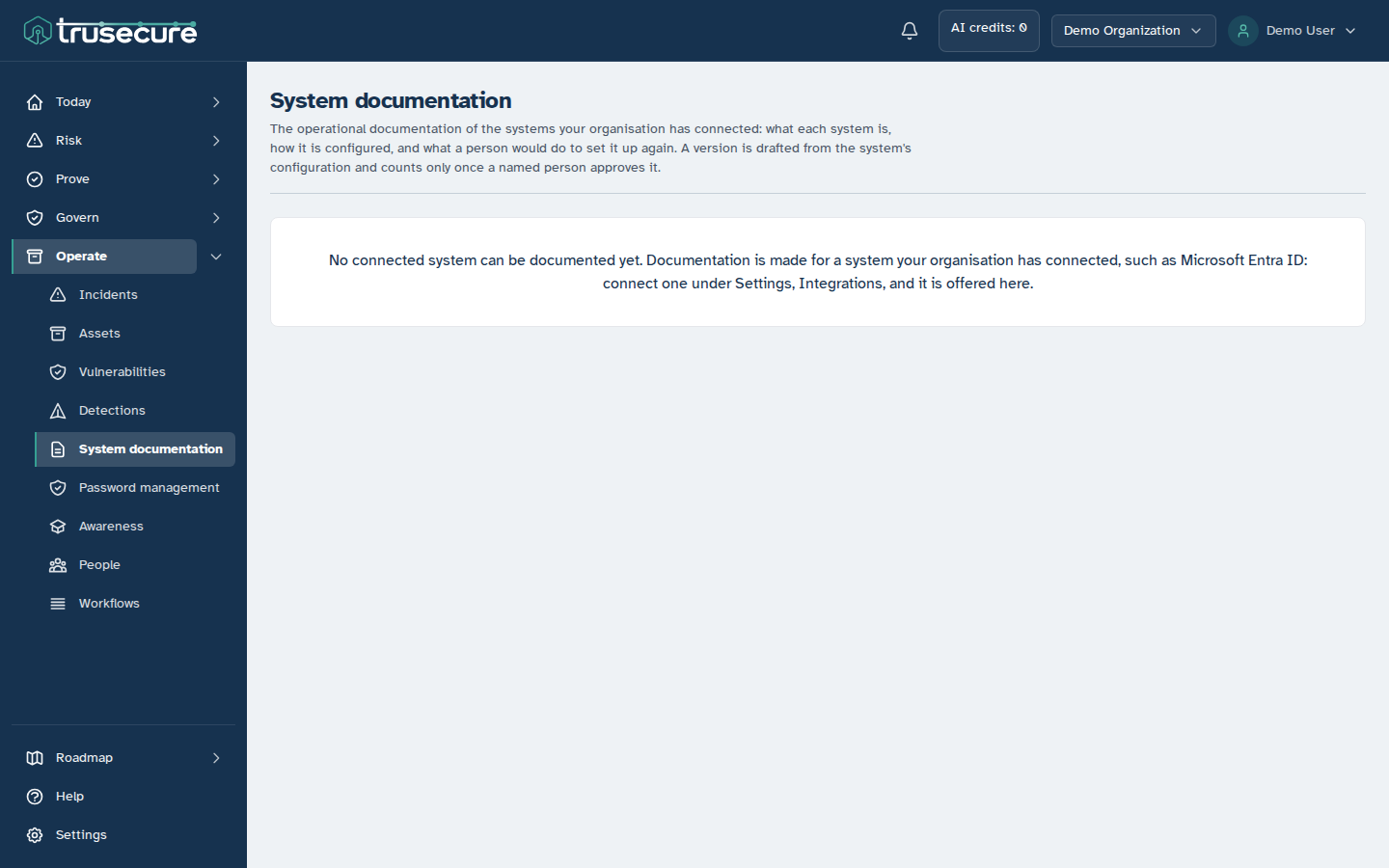
Each connected system has one document, describing how your copy is set up.
Nothing secret in it
Where a password or a key belongs, the document says so and says where to get it.
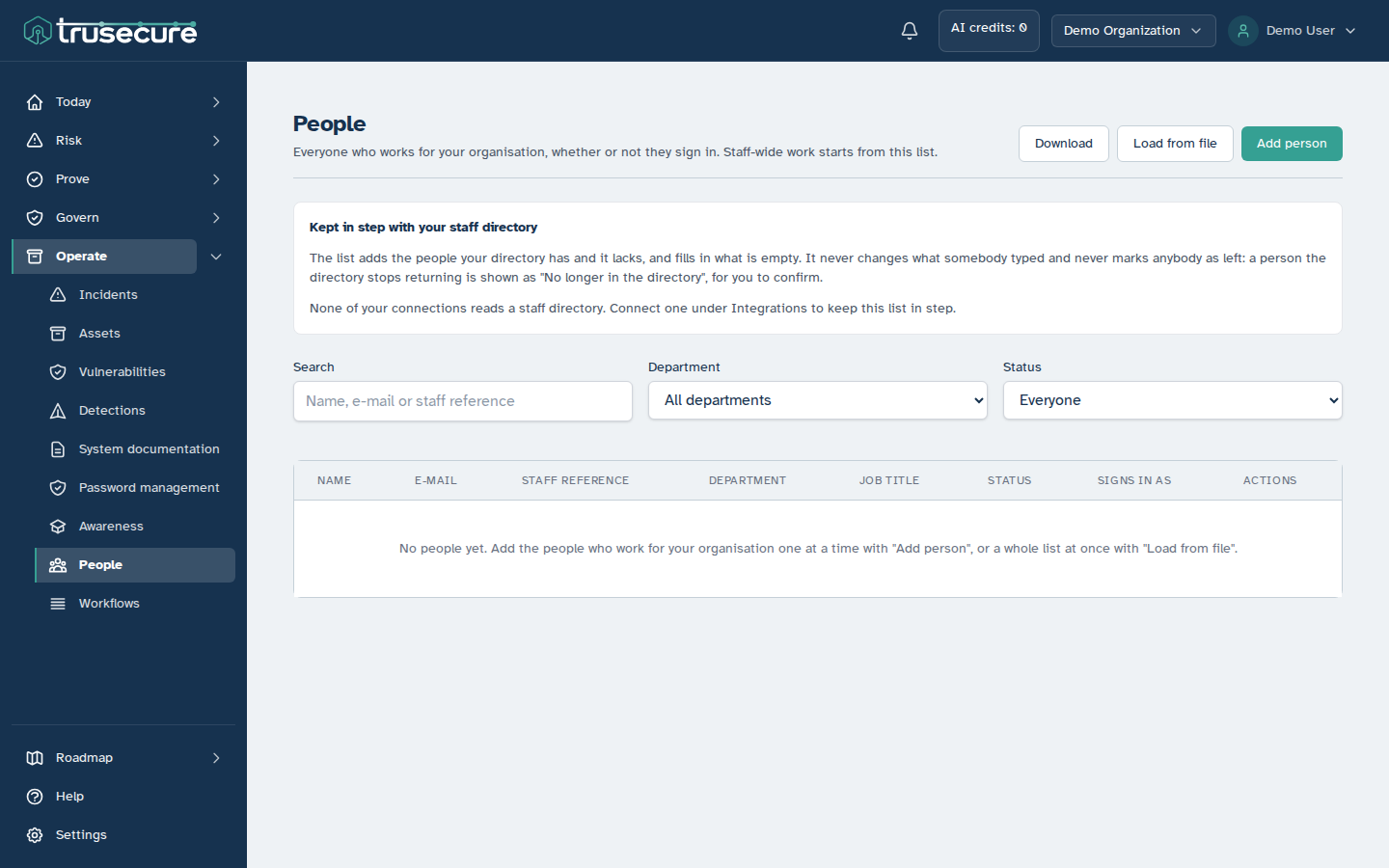
People are not named
They are given by their role and their number, in the document and in what is sent to the model.
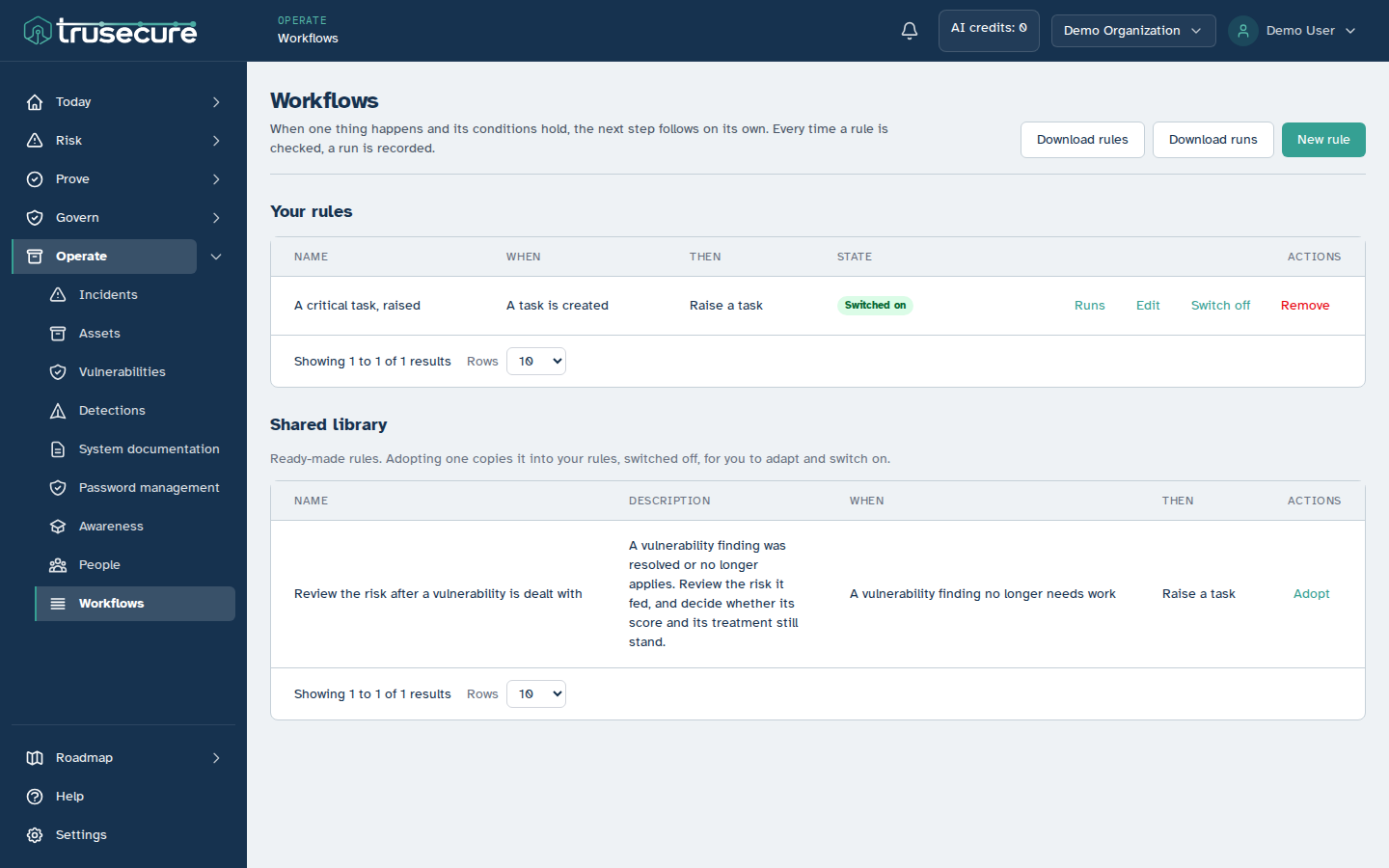
Your processes too
Your own procedures are written up with their diagrams, then signed off by two named people.
Three kinds of writing
What TruSecure writes for you
Each one is a record with a version and a name against it, and each one waits for a person to sign it.
The system document
How your copy of one connected system is set up, part by part.
The rule that follows
When something happens and the conditions hold, the next step follows by itself.
The signature
The approval of a named person is what makes a document count. A draft is never evidence.
What you get
The questions an auditor asks about your systems
TruSecure answers them from the document. Each answer opens the section behind it.
See the platform- How is this system set up for our organisation?
- Who signed that document, and on what day?
- Which version of it is the one in force?
- What is the current version of the system itself?
- Where does the password for that account live?
- Which process covers this work, and who follows it?
- Who is allowed to do what in this system?
- What has changed since the last version was signed?
What it reads
The five streams of your identity system
A document of this system describes five things, each read through the connection you have.
| What is read | What it tells the reader |
|---|---|
| Conditional access rules | When a sign-in must be challenged, and by what |
| Authentication method settings | Which ways of proving who you are are allowed |
| Guest access | Who may invite outsiders, and what an outsider becomes |
| Administrator role assignments | Who holds the roles with the widest reach, and over what |
| Named locations | The places your sign-in rules treat as safe |
Start
Connect one system, and get the write-up
TruSecure reads the system you have already connected and drafts the document from what it finds. You read it, change what is wrong, and sign it.