Access reviews
Who can get into what, and who certified it
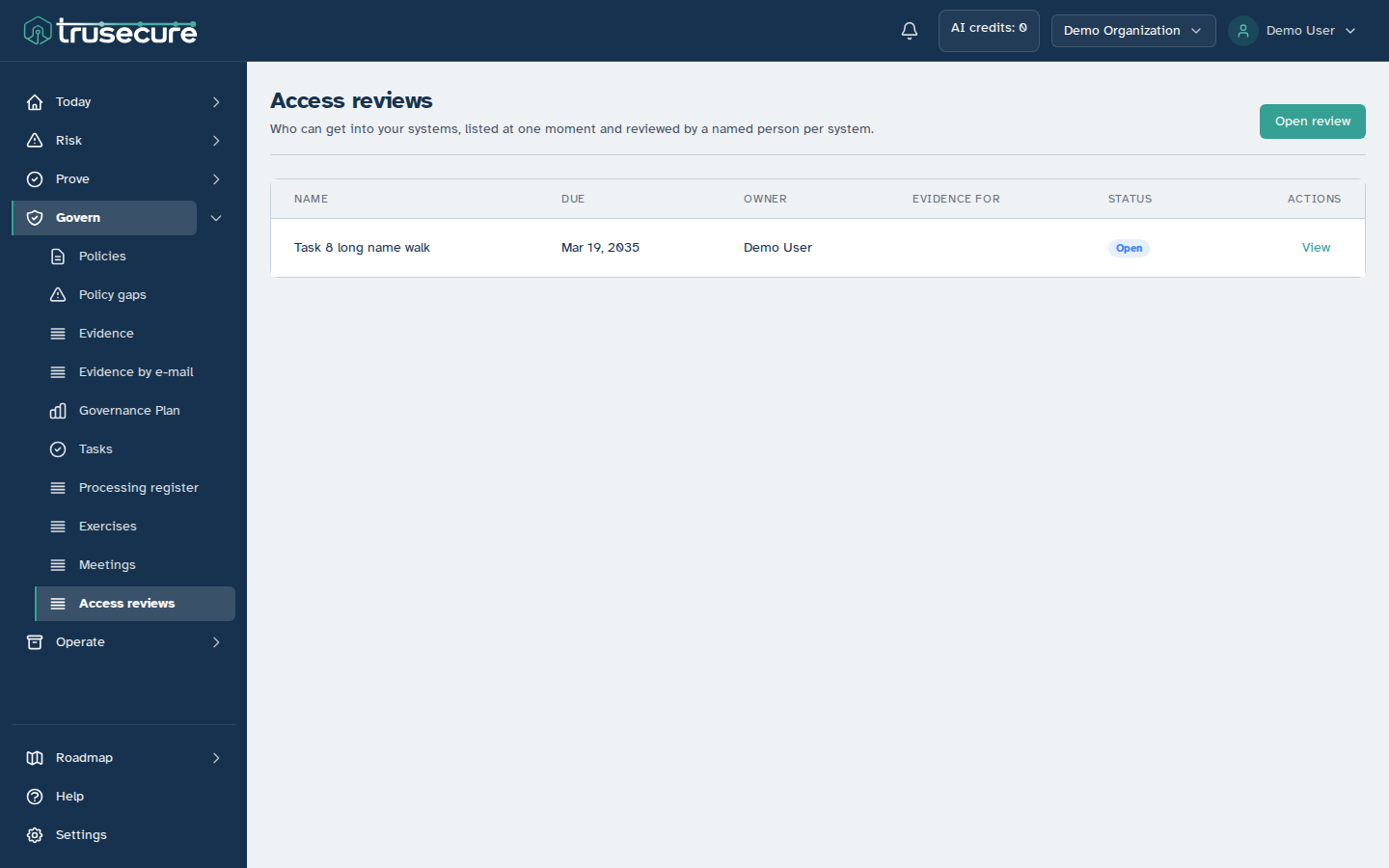
TruSecure lists the accounts of each of your systems and gives one named person the job of reviewing them. When they sign, the review becomes evidence against the controls it names.
- reviewer for each system
1
Named from your own people, and they alone make the calls.
- a moment in time
1
Each review copies the accounts as they stand on the day it opens.
- accounts removed by the tool
0
A decision to remove is a record, and your own system is left alone.
Your week
Nobody knows who still has access
The list of accounts is a year old. A leaver is still on three systems, and the person who owned it has left as well.
- The review was done once, and nobody signed it.
- You cannot show an auditor who certified the access.
- Nobody reviews themselves, but somebody does.
What TruSecure does
One reviewer, one system, one signature
The review is deliberately simple, because a process nobody can follow will not be followed. One person, one system, one signature.
One named reviewer
Each system names the one person who reviews its accounts, chosen from your own users.
Only the reviewer decides
They keep or remove each account. A removal needs a written reason, and nothing is deleted at the source.
A leaver stands out
An account whose person has left is marked, and a leaver is never offered as the reviewer.
Signing makes it evidence
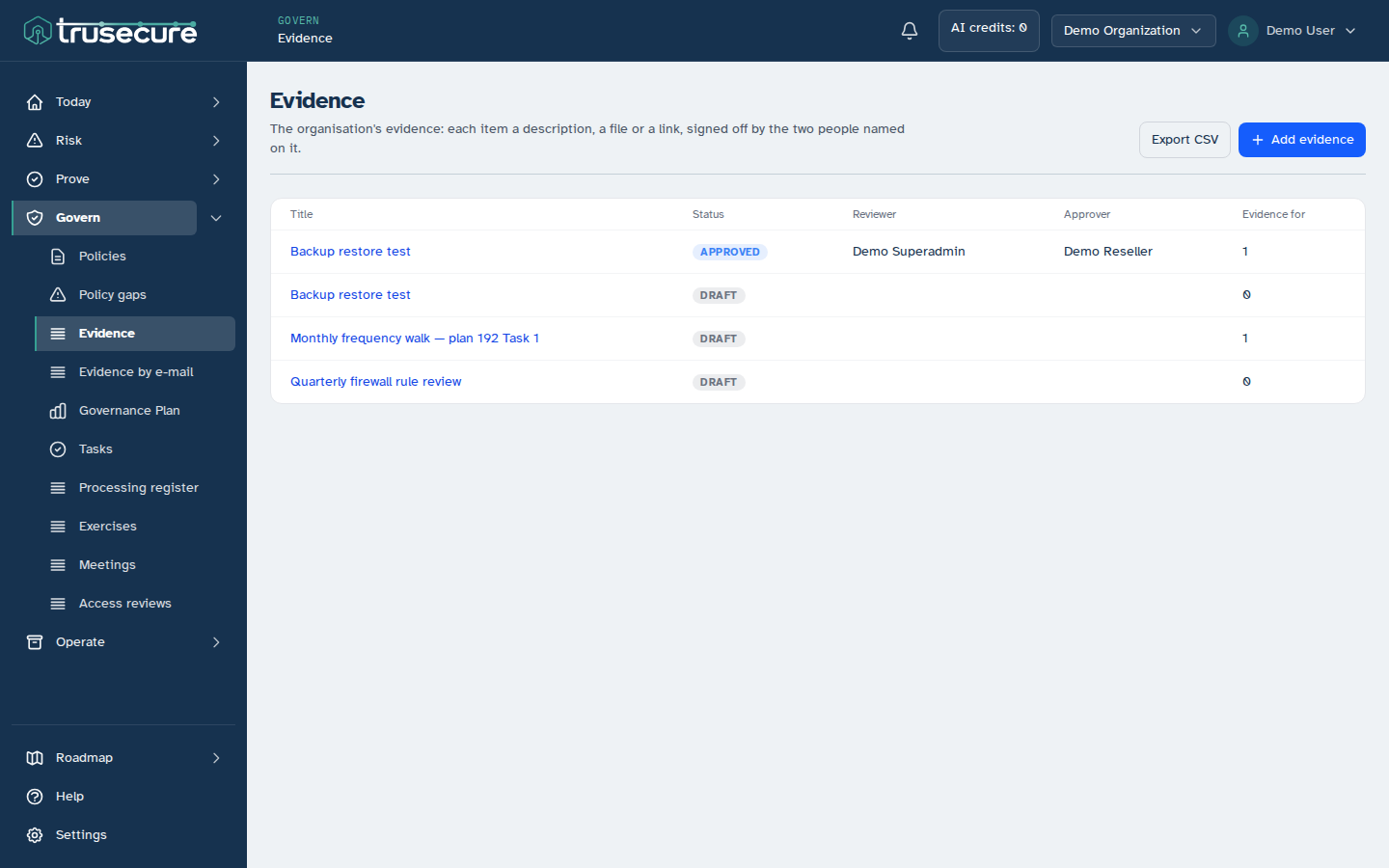
The accounts and the decisions are fingerprinted, the review files itself against your controls, and the system refuses every change after that.
Where the accounts come from
Five sources, one review
Each source is copied in as it stands on the day the review opens, and the next round starts from the last one.
Your people in TruSecure
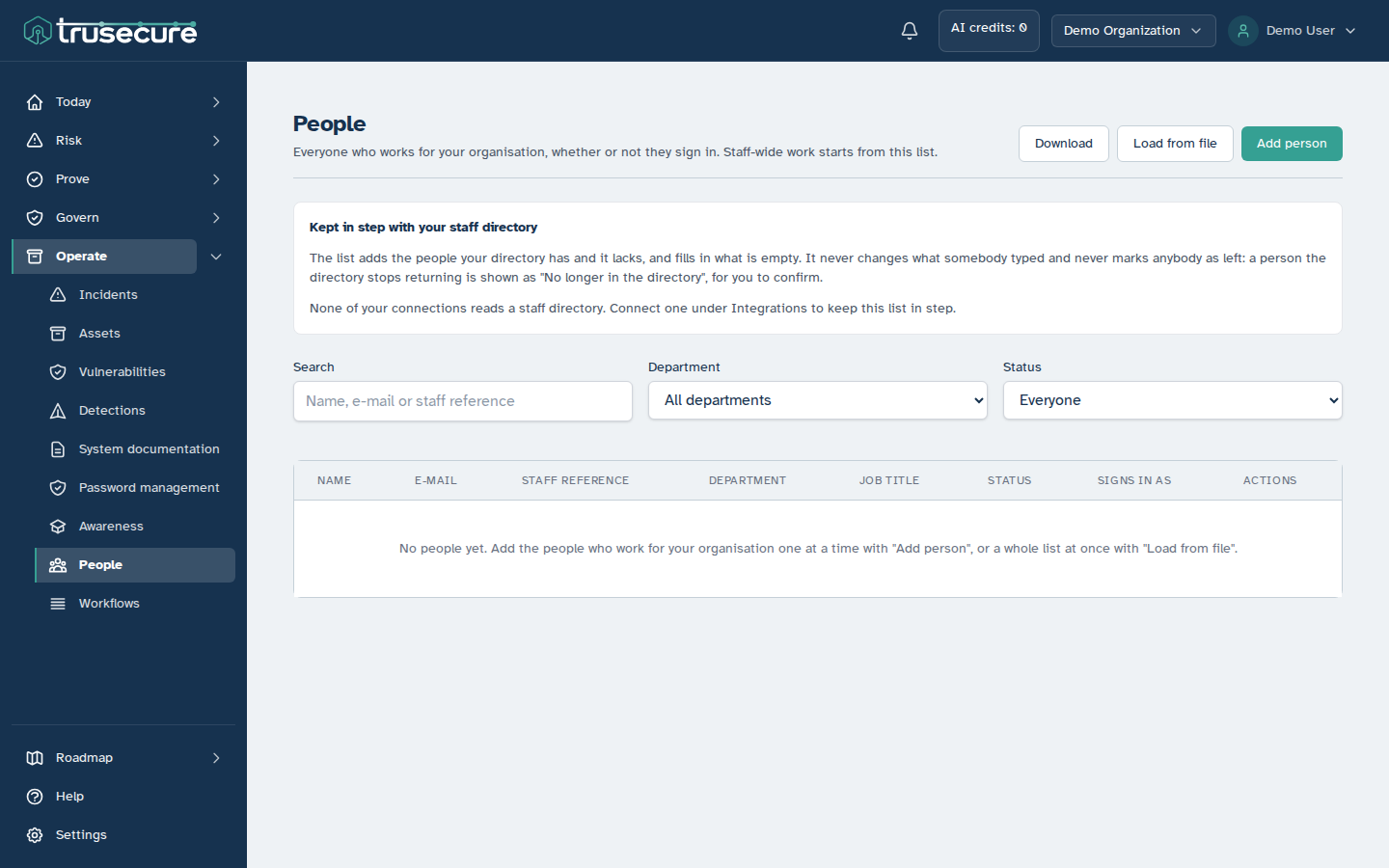
Your own accounts, each with the role it holds, as Settings names it.
A file you check first
A spreadsheet of accounts, checked and reported before anything is applied. The file itself is not kept.
Your own systems
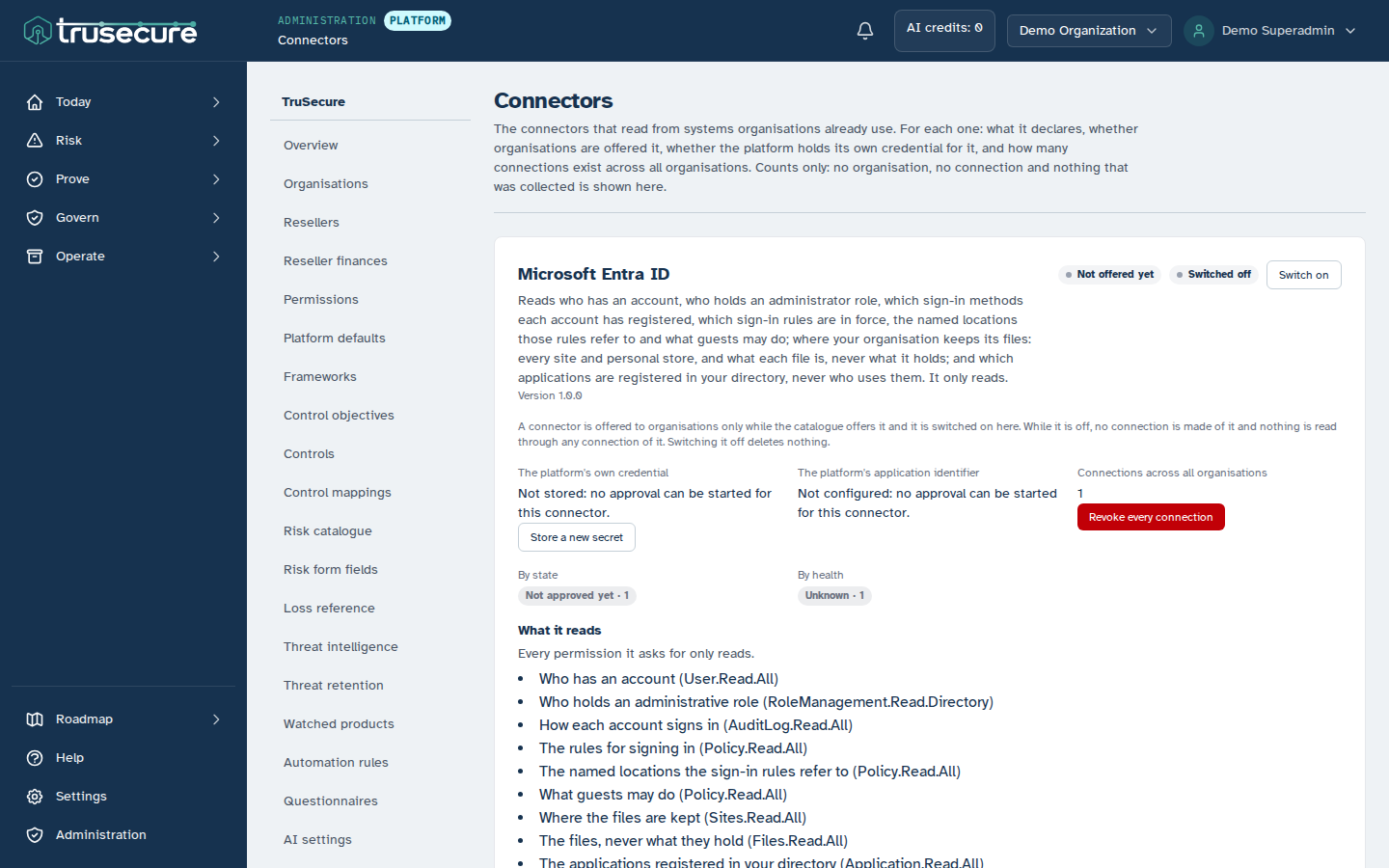
Directories, privileged access tools and password vaults, each read through its own interface.
What you get
The questions an auditor asks about access
TruSecure answers them from the review, and each answer opens the decision behind it.
See the platform- Who reviewed the accounts of this system, and when?
- Which accounts did they keep, and which did they remove?
- Why was each removal made?
- Which accounts belong to people who have left?
- Which accounts are not on the people list at all?
- Who certified this access, and where is that recorded?
- What changed since the last round?
- When is the next round due, and who has it?
The sources
What each review can cover
Five sources, and each one lists the accounts as they stand at the moment the review opens.
| Source | What it lists |
|---|---|
| Your people in TruSecure | The accounts of your own organisation, each with the role it holds |
| A file you check first | Accounts from a spreadsheet, with the accepted and refused rows reported first |
| Your staff directory | Every account your directory still returns, with the roles it gives |
| A privileged access tool | Every account and bot the tool listed when it was last read |
| A password vault | Every member of the vault, with the status it gave them |
Start
Start with the system you have never reviewed
Bring the account list for one system. TruSecure matches it to your people, shows you who has left, and gives one person the job of signing it off.